
Reference

mp500 Esports Betting Hub Markets

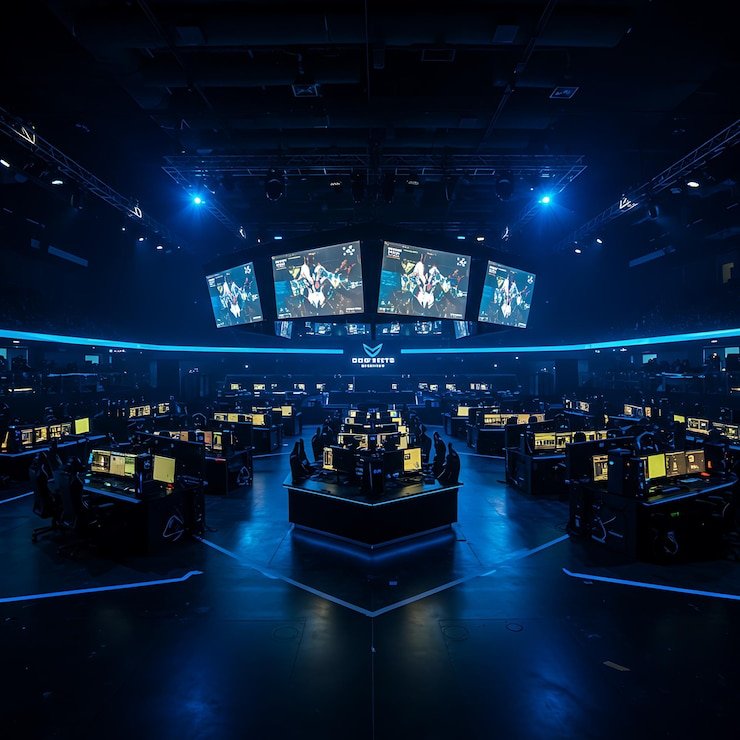
mp500 Esports Betting Hub puts esports match selections, live market status and a compact betting slip in one lobby view.

Match selectionsLive market statusMobile betting slipPhone verification
mp500 mp500 Esports Betting Hub Markets
mp500 What Shapes Each Match Board

What Shapes Each Match Board

Esports Betting Hub is our match-focused space for checking esports selections before you place them on a single slip. Each event card is designed to separate available markets from match status, so you do not need to search through casino rooms to find your chosen fixture. We show the selection name and current market state together, while your account path remains clear:

log in, pass phone verification, then enter the hub. Availability depends on local law.

MARKET DETAILS

Three Esports Hub Advantages

The hub is arranged around decisions you make before a match starts rather than around unrelated game tiles.

Updated today
mp500 Event status
MATCH CARD

Event status

Each Esports Betting Hub card groups the fixture label with its current market state. You can see whether a selection is available before adding it to your slip, rather than relying on a separate screen that interrupts your match search.

mp500 Selection check
SLIP VIEW

Selection check

Your chosen esports selection stays visible in the betting slip while you browse other match cards. This lets you compare the label and market state before confirmation, which is useful when several fixtures appear in the same session.

mp500 Related sports path
SPORTSBOARD

Related sports path

The hub sits beside football, badminton and basketball market areas without blending their selections together. You can move between categories from the lobby, while the esports slip retains the choices you added for the current match.

BETTING FLOW

Esports Betting Hub Gameplay Flow

A clear sequence keeps Esports Betting Hub easy to read: open the event list, choose a market, add a selection, and inspect the slip before you continue.

Enter through the lobby After logging in, open the sportsbook area and choose Esports…
Read the event card Start with the fixture label and market state shown on…
Build one betting slip Tap a selection to place it in the slip, then…
Check mobile layout On a phone, the hub keeps event cards readable first…
MARKET CLARITY

Esports Hub Access Details

Esports Betting Hub is a market lobby, not a slot with a fixed return figure or a volatility scale.

Auto-refresh hourly
mp500 Game type

Game type

92%

Esports match market lobby with event cards, selectable markets and a betting slip.

mp500 Volatility

Volatility

97%

Not applicable; this hub uses match selections rather than slot rounds.

mp500 Supported devices

Supported devices

96%

Phone and desktop browser layouts through the logged-in lobby path.

mp500 Access region

Access region

95%

Indonesia availability depends on local law and account eligibility.

RTP percentages are informational reference values from provider documentation. Actual session outcomes vary.

PHONE VIEW

Match Selections On Your Phone

Phone screens are where the Esports Betting Hub layout earns its place. We show match cards in a scrollable list, then surface your betting slip after you choose a market…

Scrollable match cards
Slip appears after selection
Mobile browser entry
Phone-verified account
mp500 mobile gaming
MATCH HELP

Help With Hub Match Screens

When an Esports Betting Hub screen does not behave as expected, start with the detail that support can verify: the fixture label, the market name and the status shown on your slip.

Selection status question Send the fixture label and the market name shown in Esports Betting Hub. Our support path can use those details to identify the screen you saw and explain whether the displayed selection state requires another check.
Phone verification issue If you cannot reach the hub after logging in, use account help and describe where phone verification stopped. We can direct you back through the account-access step before you return to the esports category.
Slip display check For a betting slip that looks different from the event card, share a screen capture and the selection label. This helps our team distinguish a display question from a market-state change without asking you to repeat every step.
FAIR DISPLAY

How We Present Match Choices

Transparency in Esports Betting Hub starts with showing a selection alongside its event label and current status, rather than hiding the context behind a generic button.

Visible event labels

We keep the fixture label next to the relevant match area so you can identify the event before adding a selection. This is a practical check when several esports cards are open in one browsing session.

Current market state

The hub shows whether a market is available on the event card at the time you view it. Check this state again before confirming a choice, because match boards can change as the event schedule moves.

Single slip context

Selections are collected in one betting slip where you can read them together. Keeping the current choices in one place helps you spot an unwanted selection before you move forward from the esports screen.

Phone verification

Our account path uses phone verification before account access. This means the Esports Betting Hub is reached through a verified login flow rather than an unconnected match page opened outside your account.

Regional wording

We state availability directly: Esports Betting Hub access depends on local law. Check your account’s available lobby categories after login rather than assuming every listed market is available in every location.

Category separation

Esports selections remain separate from football, badminton and basketball areas in the sportsbook. That separation helps you verify you are reading an esports event card instead of carrying a selection across from another category.

Esports Hub Beside Other Rooms

Choose Esports Betting Hub when you want match selections and an event-based slip rather than a casino round or table seat.

Esports Betting Hub
Uses event cards, market states and a betting slip for esports match selections. Choose this route when your focus is checking a fixture and its available market rather than opening an individual casino game.
Live Blackjack Table
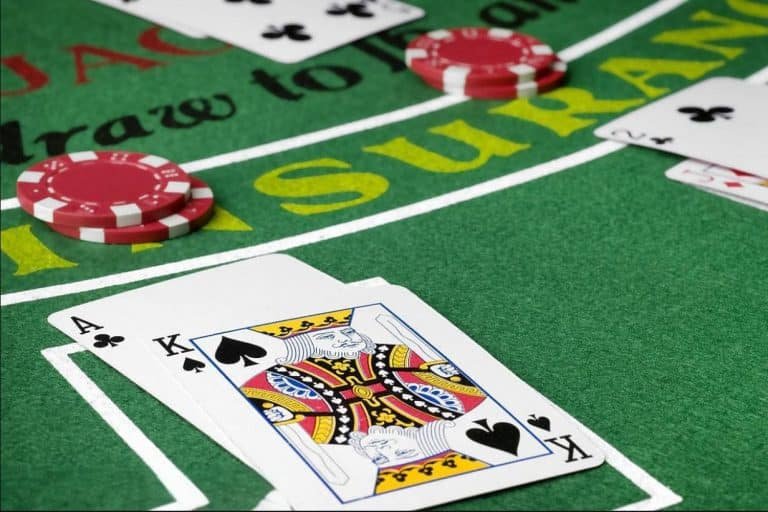
Uses a dealer-table format rather than an esports event list. Its table screen is suited to blackjack decisions, while Esports Betting Hub keeps the focus on fixture labels and selection status.
Spaceman Crash Play
Uses a round-based crash format instead of a match board. Open it when you want that specific game format; return to Esports Betting Hub when you need esports event cards and a selection slip.
Fortune Fishing Game
Uses a fishing-game interface with its own session screen. It does not use the event-card structure found in Esports Betting Hub, where each choice is linked to a listed esports fixture.
Football markets
Use football categories for football fixtures, keeping their selections apart from esports. The category split helps you confirm which sporting context applies before a choice reaches your current betting slip.
Badminton markets
Badminton has its own sportsbook category and fixture board. Switch there only when you want badminton event selections; Esports Betting Hub remains the dedicated route for esports match browsing.
Basketball markets
Basketball event cards are accessed through their own category path. This separation lets you browse basketball and then return to esports without losing track of the context attached to your current selection.
HUB HIGHLIGHTS

Six Esports Board Details

What you see in Esports Betting Hub is built around checking a choice before you act on it.

Dedicated esports category The lobby gives Esports Betting Hub its own category route…
Fixture-first cards Each event is presented as a fixture card before you…
Market-state display The current state appears with the event area, giving you…
One active slip Added choices collect in one betting slip rather than disappearing…
Mobile-first order On phones, match cards appear before the expanded betting slip…
Verified lobby entry Phone verification happens before account access, then the same logged-in…

Esports Betting Hub Questions Answered

These answers focus on the practical steps around Esports Betting Hub: finding the category, reading event cards, checking the slip and using the mobile layout. We also explain how the hub differs from casino rooms and why phone verification appears before account access. If the market screen shows a status you do not understand, keep the fixture label available when you contact support. Availability wording remains simple for Indonesia: access depends on local law.

mp500 Esports Betting Hub is the sportsbook category for browsing esports fixtures, checking available market states and adding selections to one betting slip. It is different from a casino game room because the screen is organised around event cards and match labels.

Log in through the main lobby, complete phone verification before account access, then open the sportsbook category and select Esports Betting Hub. The hub uses the same logged-in account path as other lobby areas, without requiring a separate download.

The status shown beside an event card indicates the current state of that market when you view it. Check the fixture label and market state before adding a selection, then inspect the same choice again in your betting slip.

Yes. The mobile browser layout presents scrollable esports match cards first and brings your betting slip forward after you add a selection. Log in, finish phone verification, and open the esports category from the sportsbook lobby path.

Esports Betting Hub uses fixture cards, match markets and a betting slip. Live Blackjack Table uses a dealer-table format for blackjack decisions. Both are reached from the logged-in lobby, but their screens and session structures are kept separate.

You can move through the sportsbook categories to football, badminton or basketball, then return to Esports Betting Hub through its category label. Keep checking your betting slip after switching categories so you understand which selections remain attached to it.

Esports Betting Hub availability depends on local law. After you log in and complete phone verification, check the categories visible in your account lobby. If the esports path is unclear or a screen stalls, contact support with the fixture label shown.